Clinical workflow · Denture

Digital Denture Technique No Reference Denture

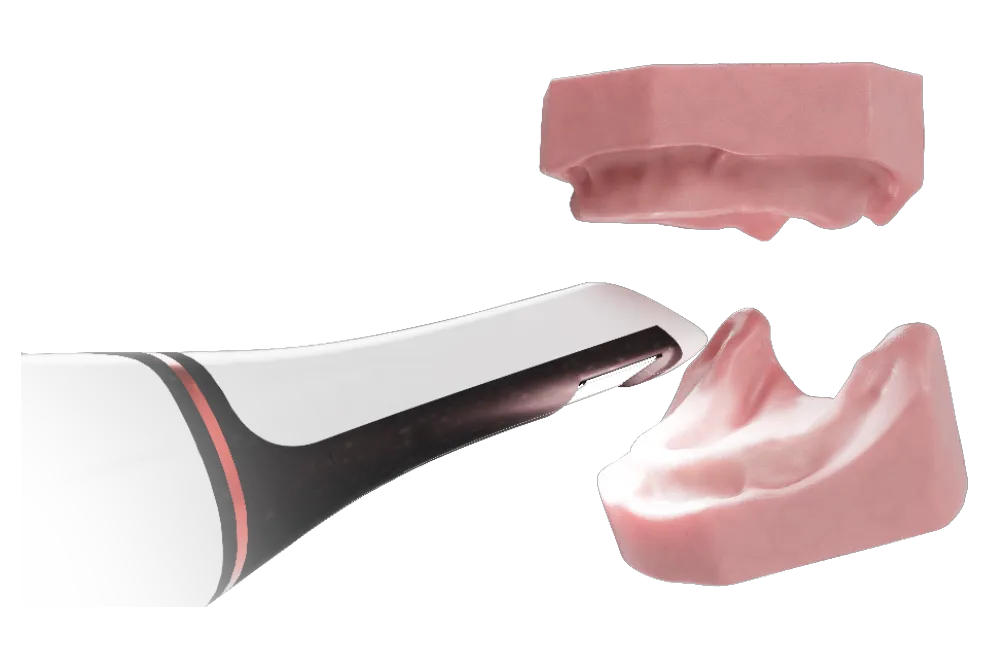
No existing denture to start from: begin with an intraoral scan, record the bite on wax rims, approve a full-color try-in, then deliver.
4 appointmentsStarts with an intraoral scanFull-color printed try-in
See it in the workflow guide
Intraoral Scan
01
Initial AppointmentScan the arches
02
Wax Rim AppointmentBite, midline and scans
03
Try-In AppointmentApprove the try-in
AvaDent designs & millsFrom your records and scans
04
Delivery AppointmentSeat, adjust and deliver
Step by step

4 appointments, start to finish

Which records to send
01
Appointment 1 of 4

Initial Appointment

1
Scan the upper and lower edentulous arches.
2
Complete the Rx and upload the scans to AvaDent for a base plate with wax rim.
Intraoral Scan
Intraoral ScanUpper and lower edentulous arches
02
Appointment 2 of 4

Wax Rim Appointment

1
Verify record base fit. Adjust and take a wash impression if needed.
2
Border-mold each record base to capture vestibular anatomy.
3
Seat the wax rims and verify vertical dimension and occlusal plane.
4
Mark the midline, smile line, and canine positions.
5
Capture the bite registration.
6
Scan each record base and wax rim 360°, then scan both together in the recorded bite.
7
Submit all records to AvaDent for try-in design and fabrication.
Record Bases with Wax Rim
Record Bases with Wax RimScanned 360° and together in the recorded bite
03
Appointment 3 of 4

Try-In Appointment

1
Seat the try-in and verify fit. Adjust or take a wash impression if needed.
2
Evaluate midline, incisal edge position, vertical dimension, lip support, esthetics, and occlusion.
3
If approved, submit the case to AvaDent for final fabrication.
4
If changes are needed, repeat the applicable wax rim records and submit updated files for redesign.
AvaDent | Try-InFull-color printed try-in
Before the final appointment: AvaDent designs and mills the prosthesis from your records.
04
Appointment 4 of 4

Delivery Appointment

1
Seat the final dentures and verify fit, retention, and function.
2
Adjust borders and occlusion as needed.
3
Deliver the dentures and provide hygiene, maintenance, and follow-up instructions.
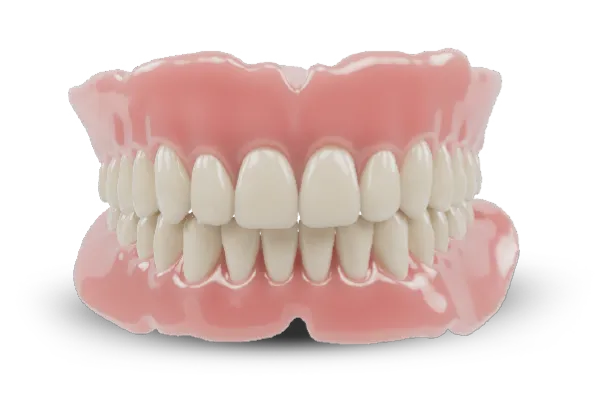
Final Denture | XCL-2Fully milled denture, multi-layered teeth
Video & PDF

Watch it, then take it chairside

Printable PDF

This workflow, one printable page

A printable version of this workflow to keep at the chair or share with your team.
Every appointment, step by stepThe AvaDent products used at each stageQR code to the video
Get the PDF guideAll workflows online

Questions about this workflow?

Our prosthodontists and support team can walk you through records, scans and case setup.
×
Free download

Get the PDF workflow guide

Enter your name and email and we’ll send you the printable PDF of Digital Denture Technique: No Reference Denture.
Name
chevron-up-circle