

Dashboard Login
Store

Send your first case

Connect your scanner. We handle the rest.

There’s no need to change the way you work. Send an accurate final impression and bite record, digitally or physically, and AvaDent takes care of the design and manufacturing. Here’s how to get your first case to us.

Four steps to working with AvaDent

Provide an accurate final impression and interocclusal record, and AvaDent handles everything from there.

  1. Tablet showing the AvaDent online Rx order form with a stylus

    Step 1

    Submit your Rx

    Complete the online order form in the AvaDent Dashboard, then choose your product.
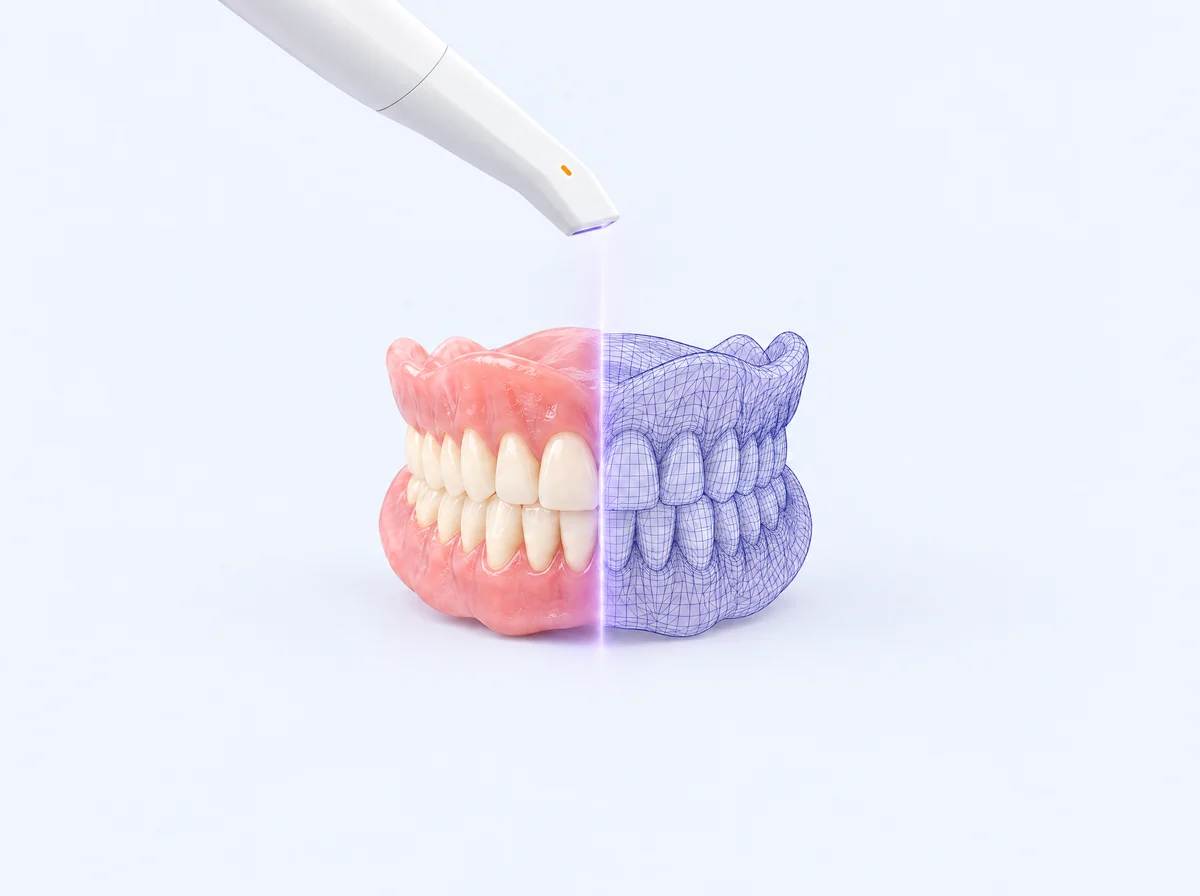
  2. Intraoral scanner scanning a complete denture, half shown as a digital 3D scan mesh

    Step 2

    Digitize your records

    Use whichever option fits your office:
    Connect your scanner
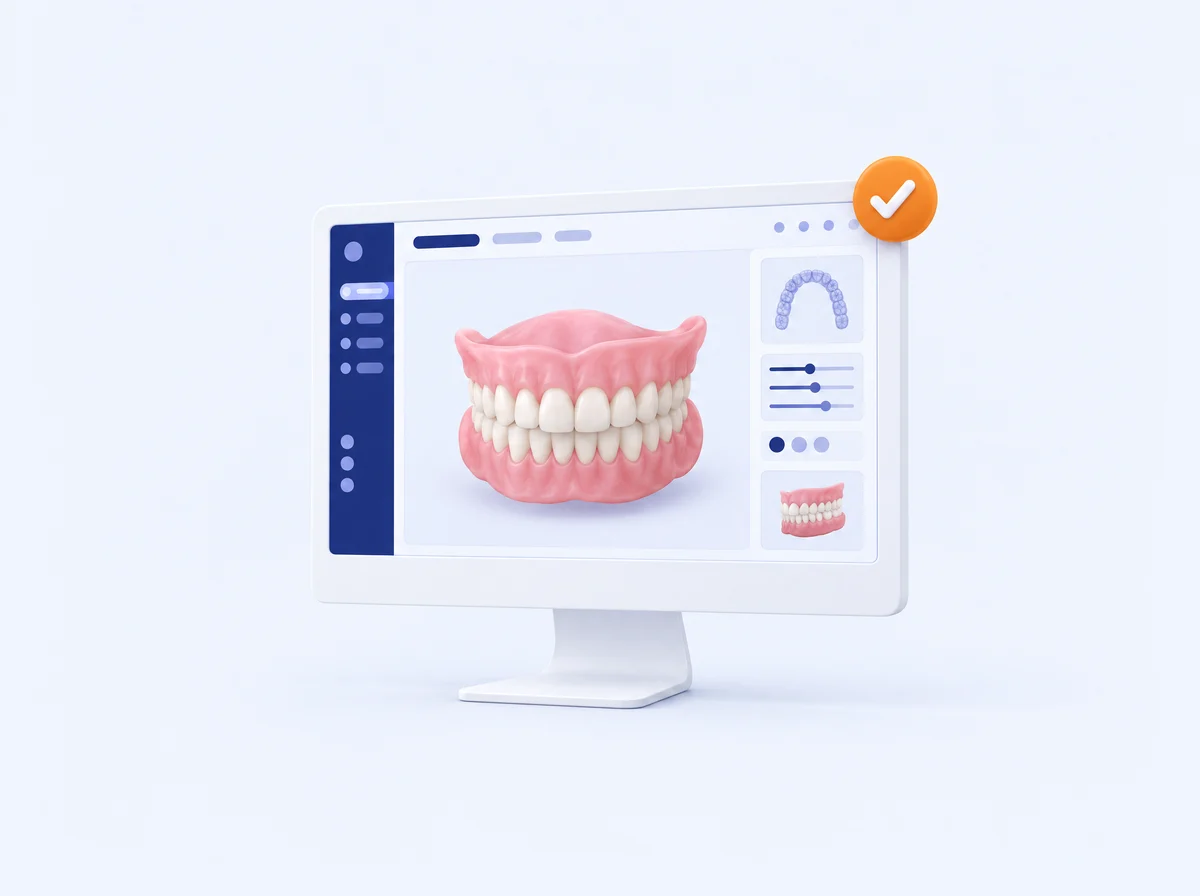
  3. Monitor displaying a digital denture design with an approval checkmark

    Step 3

    Review & approve

    Review the design in the Dashboard. Request changes there, or make them yourself with the Set-up Editor. Manufacturing starts once you approve.

    Watch the review training

  4. Finished AvaDent complete denture in front of its open shipping box

    Step 4

    Receive & deliver

    Seat the prosthesis and make any final adjustments. Dentures are completed 6 business days after approval; overdentures and hybrids in 10. Free 2-day FedEx.

Scanner portals

Connect your scanner to AvaDent

iTero Align Technology

  1. Call iTero customer support at 1-800-577-8767.
  2. Give them AvaDent’s ID: 113495

TRIOS 3Shape Communicate

Portal login
  1. Log in to the portal with your Communicate account.
  2. Click Connections in the top banner.
  3. Click Add a connection.
  4. Enter customerserviceus@avadent.com.
  5. Select the Global Dental Science – AvaDent account.

DS Core Dentsply Sirona

Accept the invitation
  1. AvaDent is on DS Core, Dentsply Sirona’s cloud platform.
  2. Click Accept the invitation to join AvaDent on DS Core.

Medit Link

Portal login
  1. Log in with your Medit Link credentials.
  2. Select Partners.
  3. Search for customerserviceus@avadent.com.
  4. Click the AvaDent Customer Service profile.
  5. Select Request partnership.

DEXIS DEXIS Connect

Portal login
  1. On your scanner, select DEXIS Connect.
  2. Search for customerserviceus@avadent.com.
  3. Add AvaDent, and you’re ready to send cases.

Shining 3D Dental Cloud

Portal login
  1. Sign in with your clinic account.
  2. Open My Labs (or Lab Settings) from your dashboard.
  3. Click + Add Lab (or Invite Lab) and enter customerserviceus@avadent.com, or search for AvaDent.
  4. Select our lab and click Invite. It shows as Pending until we confirm.
  5. Once we accept, AvaDent appears under My Labs and you can assign cases to us.

Using a different intraoral scanner or a desktop scanner? Scan your records and send them to us through the AvaDent Dashboard.

Need help connecting?

Our team can walk you through setup. Call 480-275-7144 or email customerserviceus@avadent.com, Monday to Friday, 8 AM to 5 PM MST.

chevron-up-circle
linkedin facebook pinterest youtube rss twitter instagram facebook-blank rss-blank linkedin-blank pinterest youtube twitter instagram