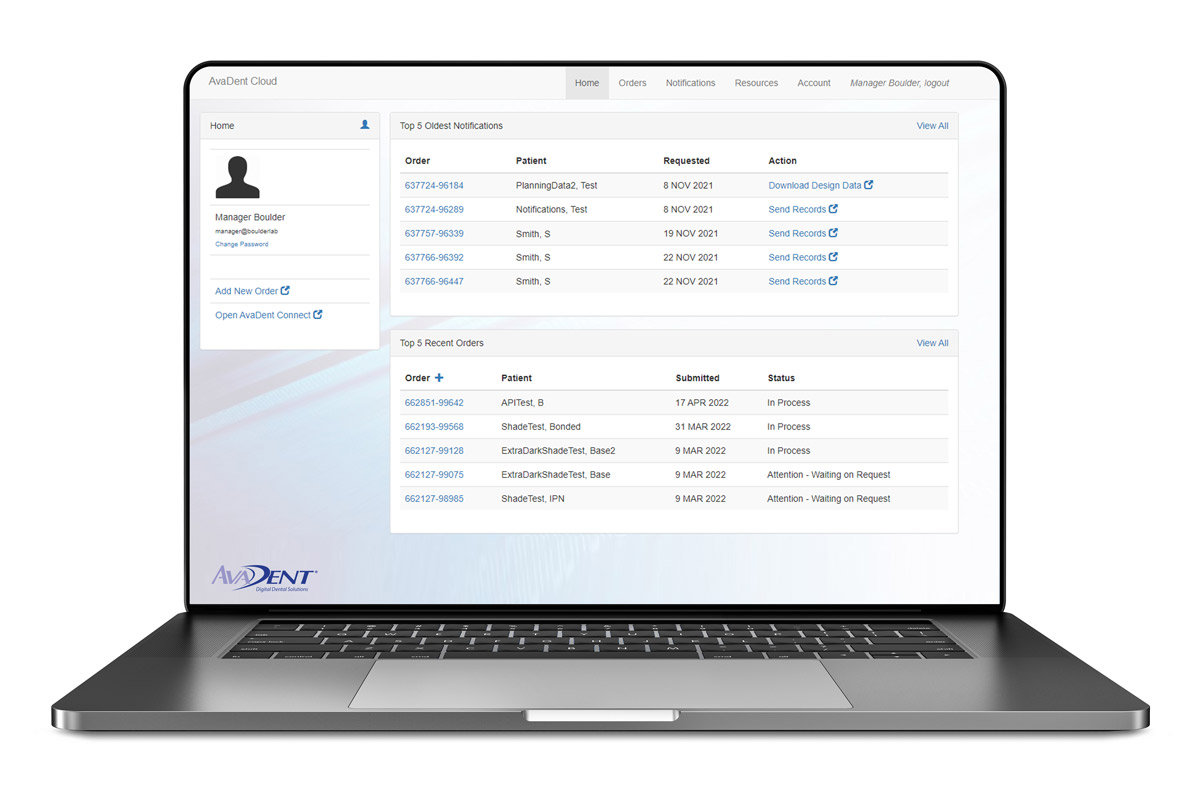
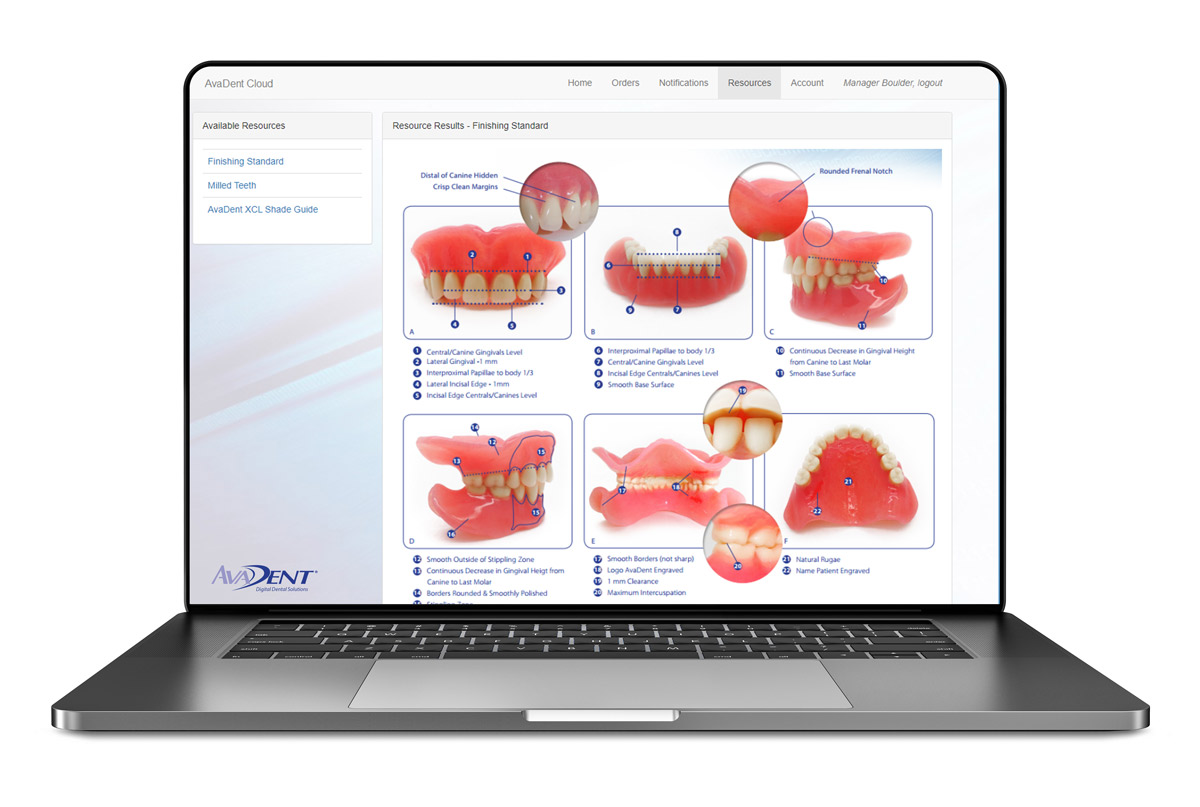
Log in to the AvaDent Portal to reach your Dashboard. Submit cases, review 3D designs, request changes, track due dates and keep every patient’s digital records on file for remakes and duplicates. It works the same for dentists, prosthodontists, DSOs and labs.
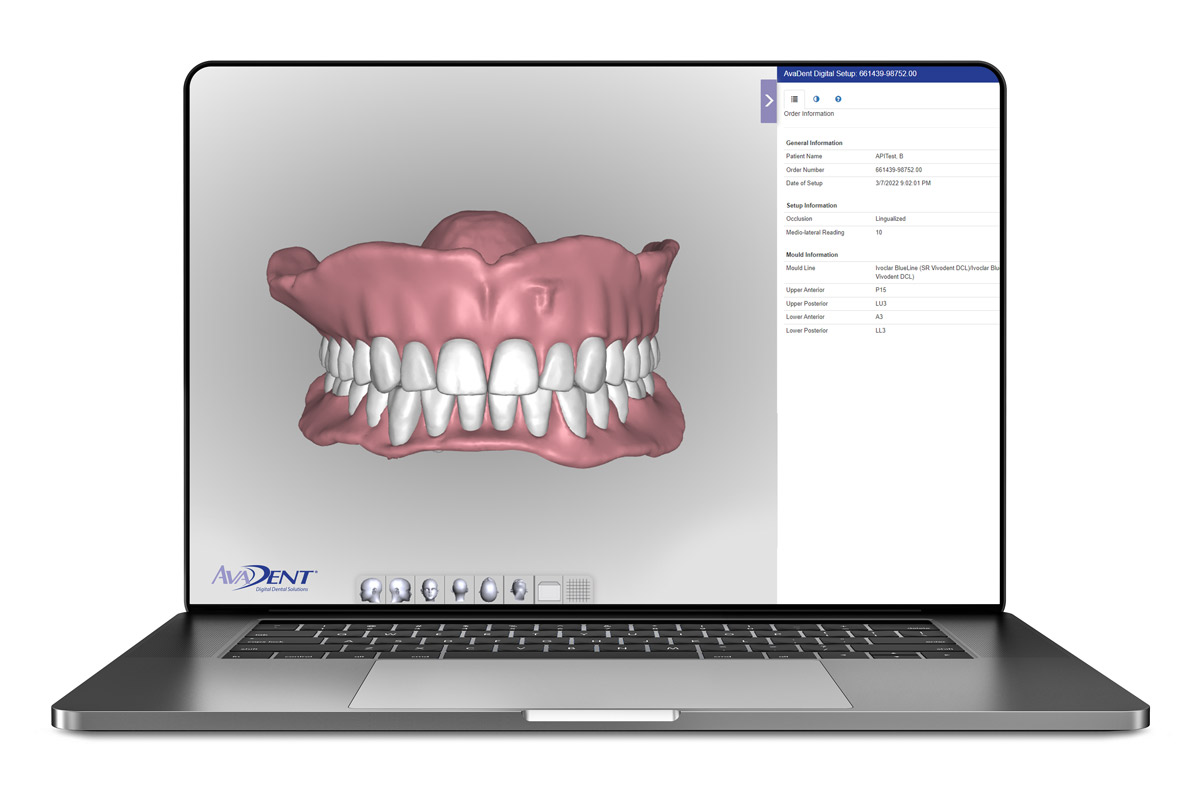
You’ll see a 3D preview of the design within 1–2 business days of complete records. Rotate it, approve it, or tell us what to change before anything is milled.
3D Preview Tool for design review and approval
Case notes keep every revision request with the case
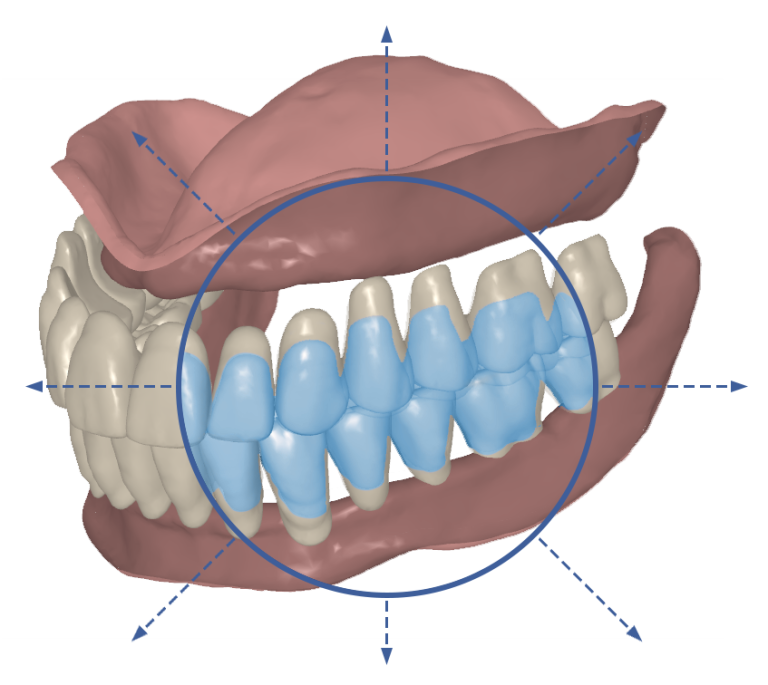
Make tooth changes yourself with the Set‑up Editor
Set‑up Editor: scale individual teeth, pairs or groups
Track
Track orders, due dates and notifications
See every active case and where it stands, from submission through delivery, without calling the lab.
Order overview for all active cases
Due dates and status for each case
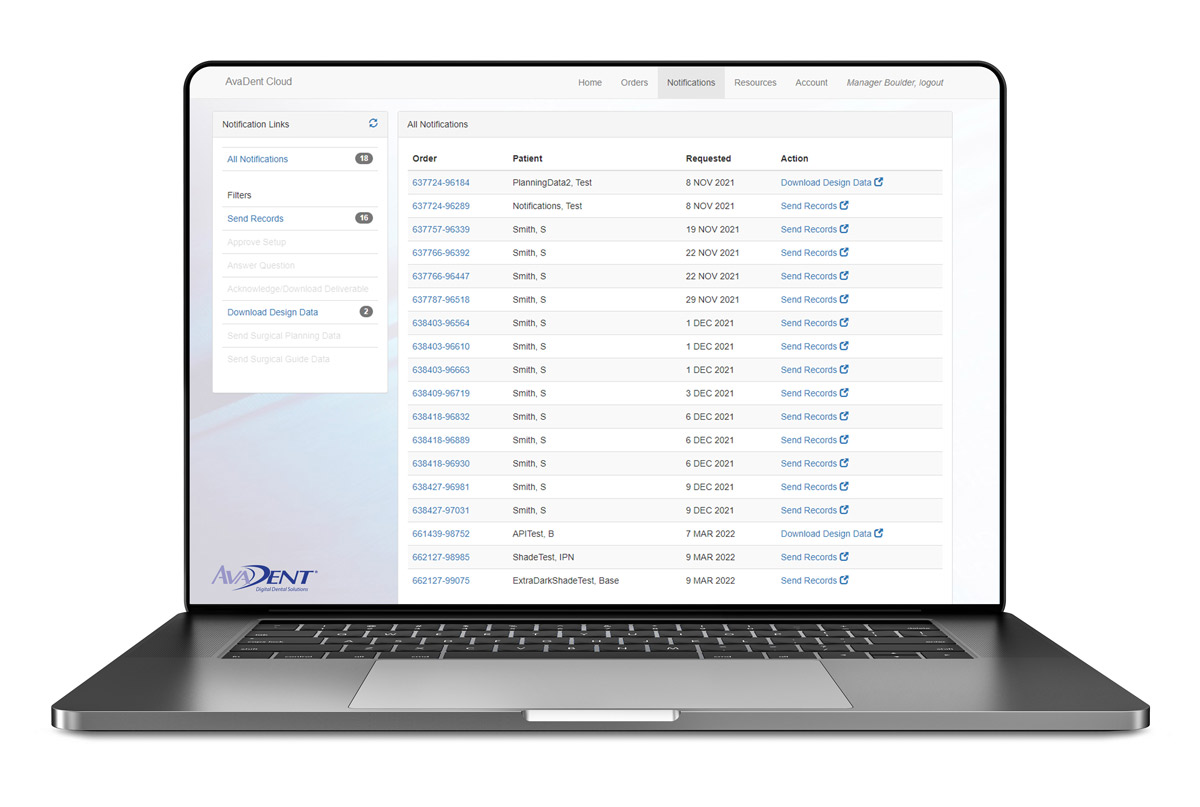
Notifications when a case needs records or your approval
Notifications and order list
Records & resources
Permanent digital records and resources
Every case is stored digitally, so a remake or duplicate denture doesn’t start from scratch. Protocols, finishing standards and training guides are in the Portal too.
Permanent digital records for remakes and duplicate dentures
Cloud Connect gives labs the same online case management: individualized denture set-up in the cloud, scanner and file workflows, and communication with AvaDent on every case.
iTero, 3Shape TRIOS, Dentsply Sirona DS Core, Medit, DEXIS, Shining 3D and Straumann AXS connect directly. Any other scanner can export STL files to upload. Step-by-step instructions for each are on Send a Case.
Can I make design changes myself?
Yes. Open the case in the Portal and select Set‑up Editor to adjust individual teeth, pairs or groups, or leave a case note and our design team will make the change.
Need help getting started?
Have a case to submit or a team that needs training? Call 480‑275‑7144 or contact AvaDent support for Portal onboarding and workflow guidance.