Dashboard Login
Order forms

Rx order forms

Print a paper Rx to gather the details chairside, then enter them in the digital Rx when you send the case. The printed forms are a worksheet, not the order.
Always order in the AvaDent Portal.
Every case needs a digital Rx form.
AvaDent Rx order forms for dentures and implant cases

Download a form

Each form is a printable PDF. Pick the one that matches the case you’re planning.
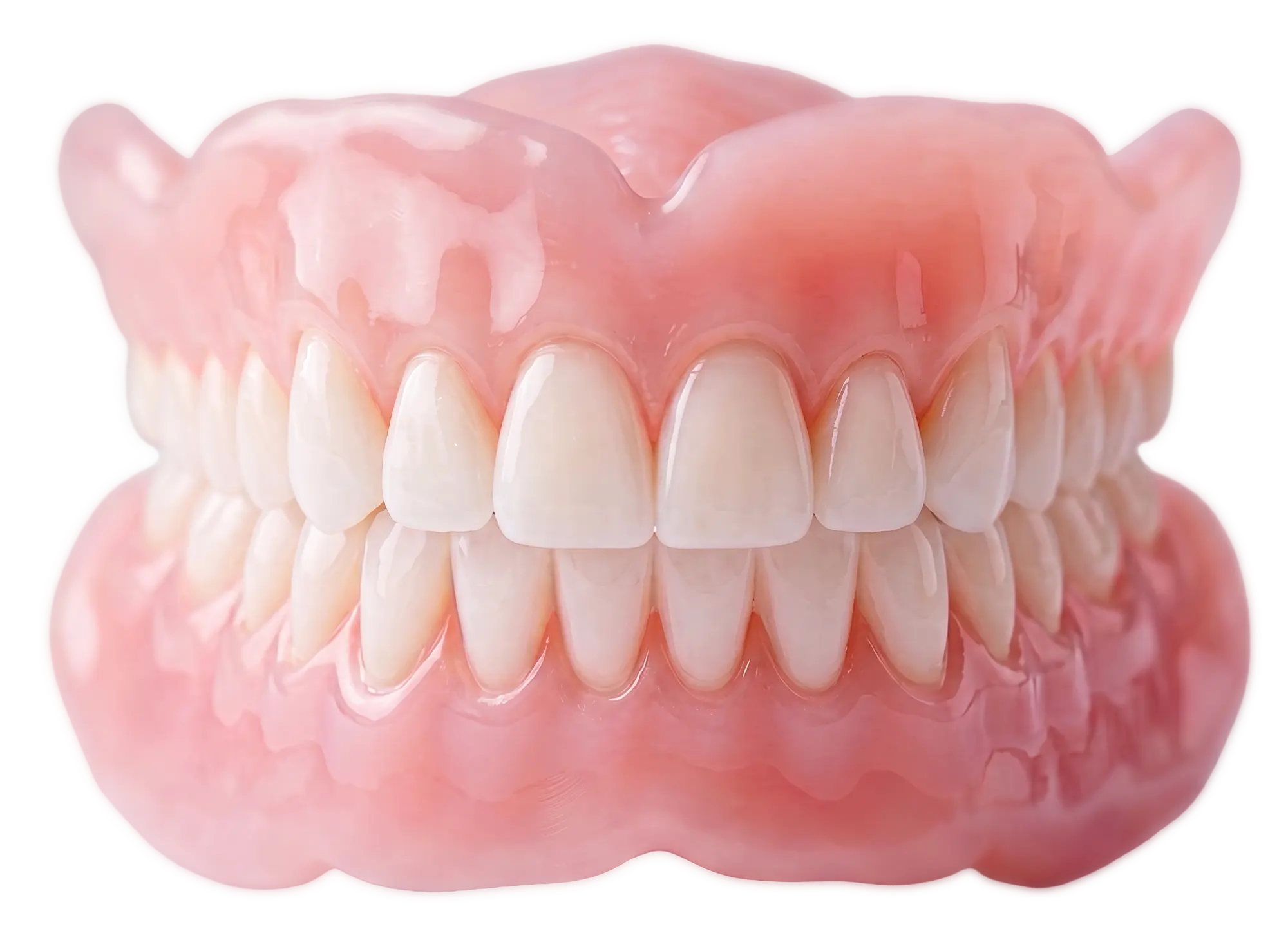
AvaDent complete upper and lower dentures

Denture order form

Complete dentures, immediate dentures, try-ins, implant-supported dentures and more.
PDF · 403 KB · version 18.5
Download PDF
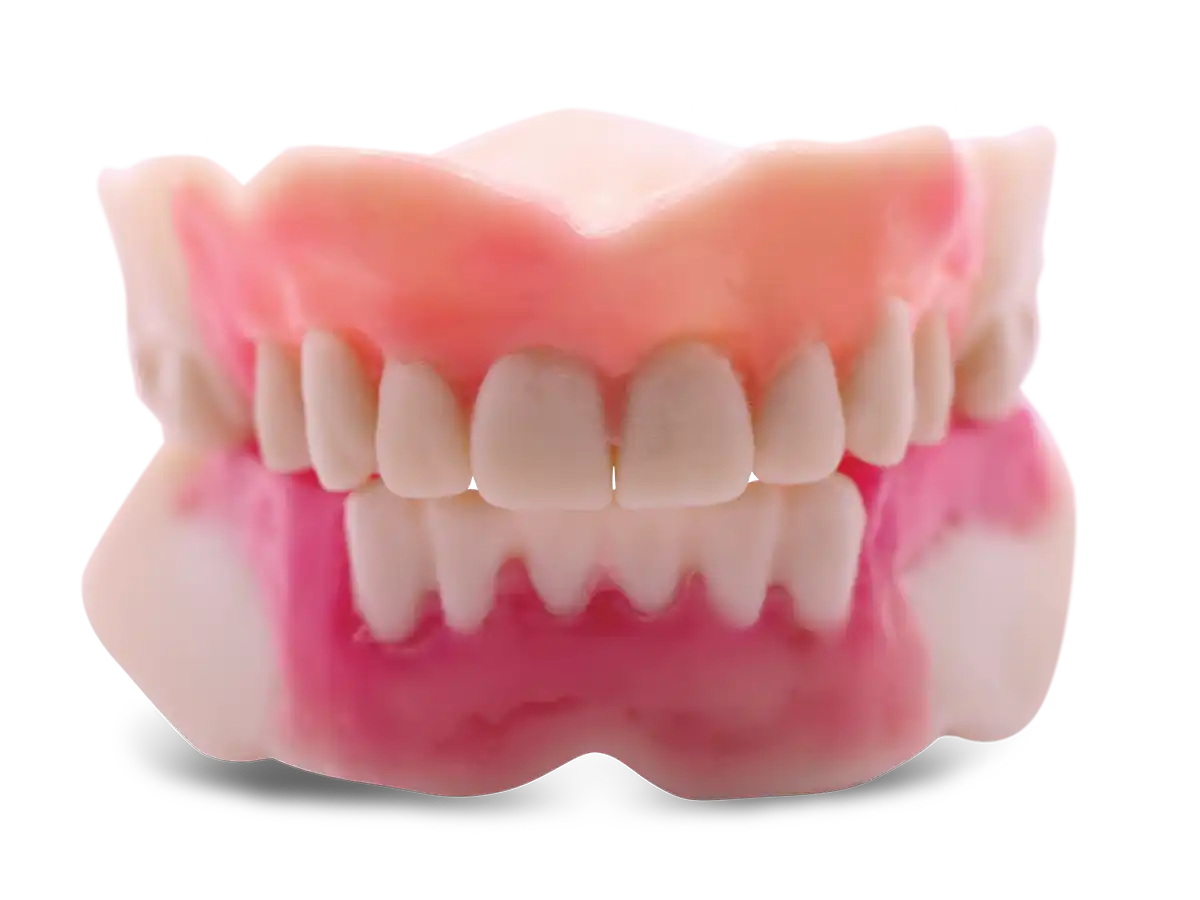
AvaDent upper overdenture

Implant-supported denture order form

AvaDent hybrids, overdentures, Snap-Pin and Accelerset.
PDF · 1.0 MB · version 18.1
Download PDF
AvaDent Wagner Try-In with teeth set in wax

Wagner Try-In (WTI) order form

Ordering a Wagner Try-In with teeth set in wax.
PDF · 450 KB · version 18.1
Download PDF
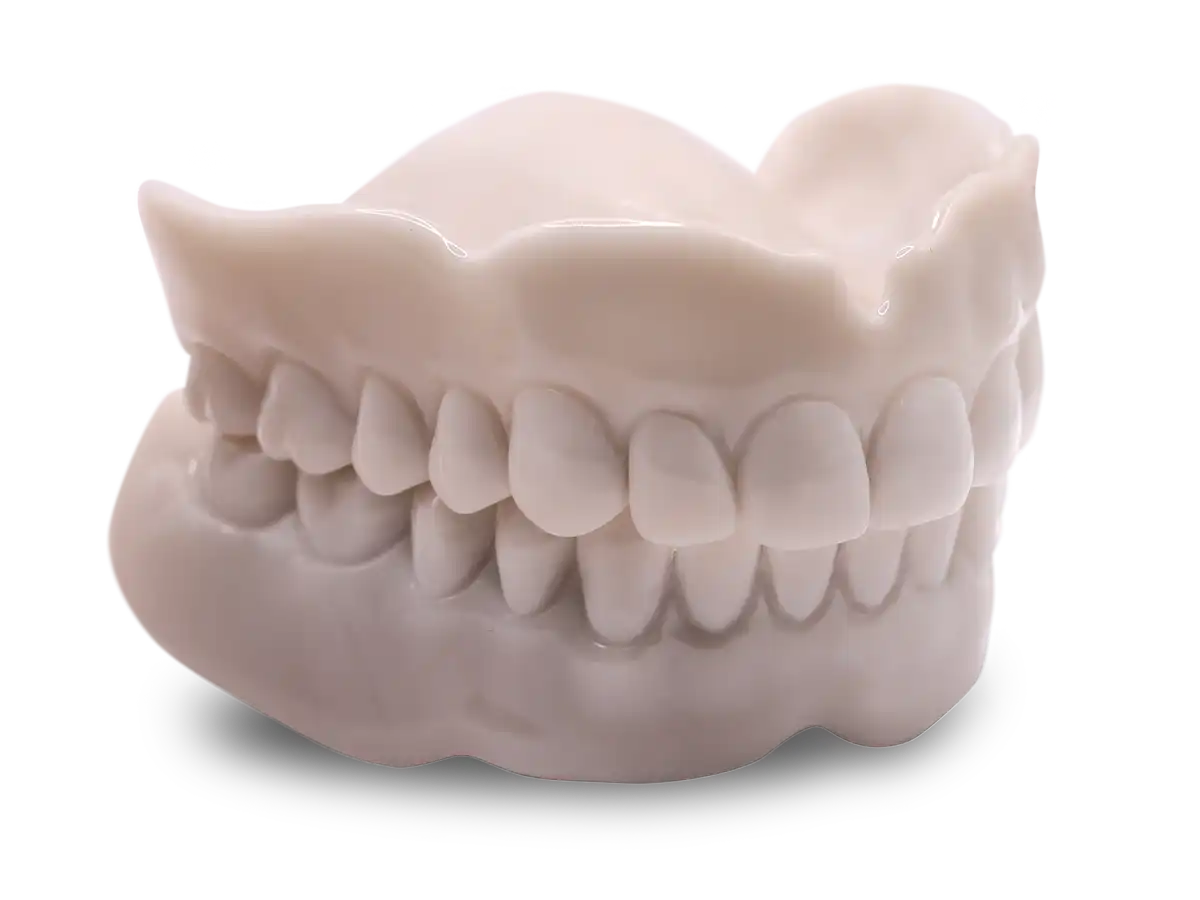
AvaDent Mono-Color Try-In

Try-in processing form

After a try-in, use this to finalize the denture and note any set‑up changes.
PDF · 417 KB · version 16.1
Download PDF

How to use a paper Rx

01

Print the form

Download the PDF for the case type and print a copy.
02

Fill it in chairside

Record shades, moulds, set-up preferences and attachment details while the patient is in the chair.
03

Enter the digital Rx

Log in to the AvaDent Portal and copy the details into the digital Rx when you send the case.

Ready to send the case?

See which records to send in the clinical records guide, or call 480‑275‑7144.
chevron-up-circle